
Many customers still find businesses on Facebook and send a message to the Page. Messenger is a natural place to sell: people already use it every day, and nothing new needs to be installed.
Here is how to set up a Page that sells and how a chatbot can turn Messenger conversations into orders.
1 Set up your Facebook Page
- Create a Page for your business (not a personal profile) and make sure you have full control of it.
- Fill in the category, description, address, hours and phone number.
- Add a cover photo that shows what you sell, and pin a post about how to order.
2 Invite people to message you
Add a “Send message” button to your Page, mention Messenger in your posts (“Message us to order”), and share your Page link wherever customers find you. Every message is a chance to sell.
3 Answer automatically and take orders
A Messenger chatbot greets each customer with a menu, shows your products or food menu as cards, and walks them through ordering: item, delivery or pickup, name and phone, payment, confirmation. It can take appointment and table bookings the same way.
Messenger has the same 24-hour rule as Instagram: you can message a customer freely within 24 hours of their last message.
4 Run Messenger and Instagram together
Most businesses get messages on both. Managing two inboxes, two product lists and two order notebooks doubles the work. Use one tool where both channels share the same catalogue, orders and inbox.
How PiggoChat helps
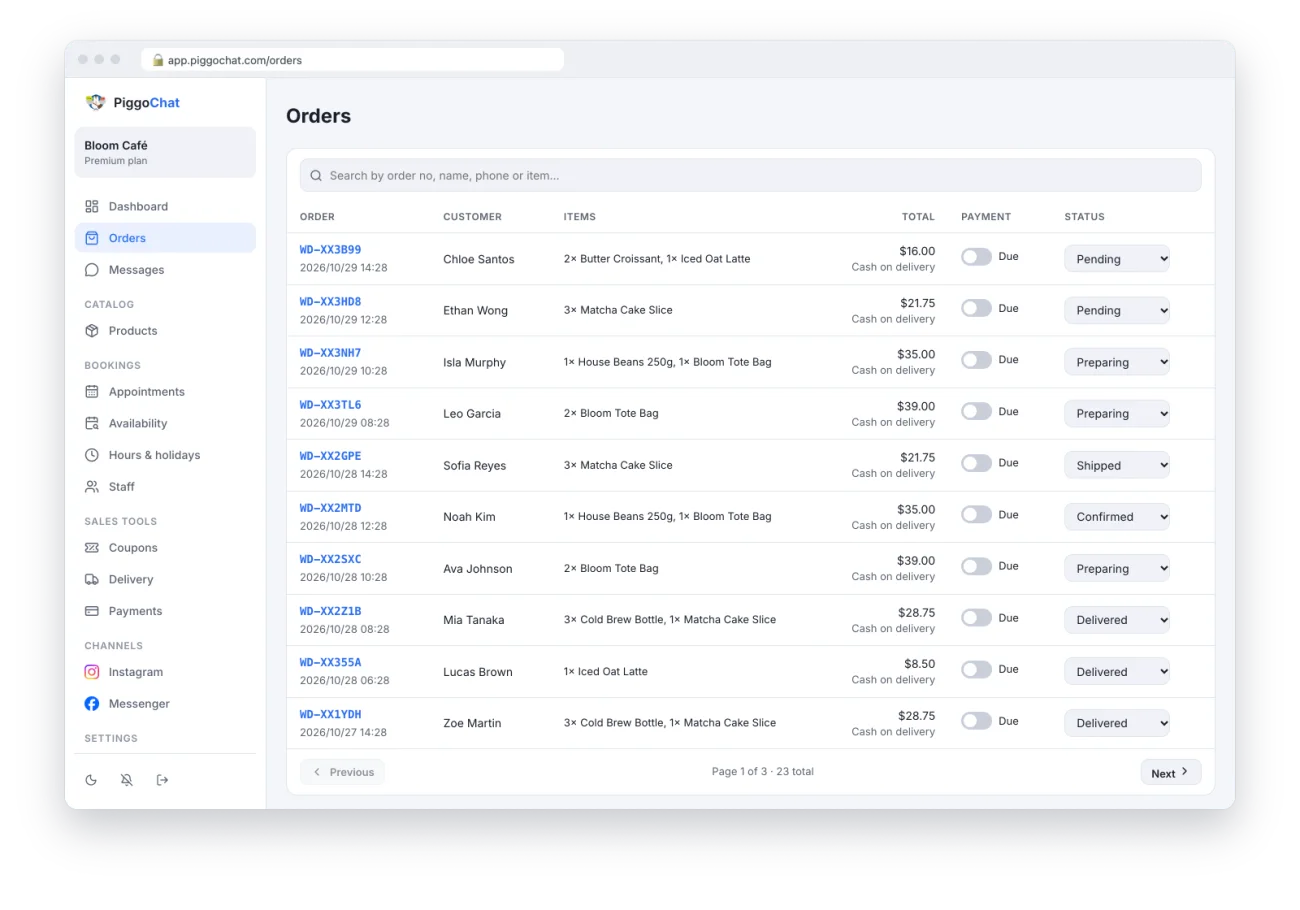
PiggoChat connects your Facebook Page with one click and runs the same ordering and booking flows on Messenger as on Instagram. Both channels share one dashboard, one catalogue and one inbox.
New orders and bookings send a notification to your phone, and customers get status updates in Messenger automatically.