
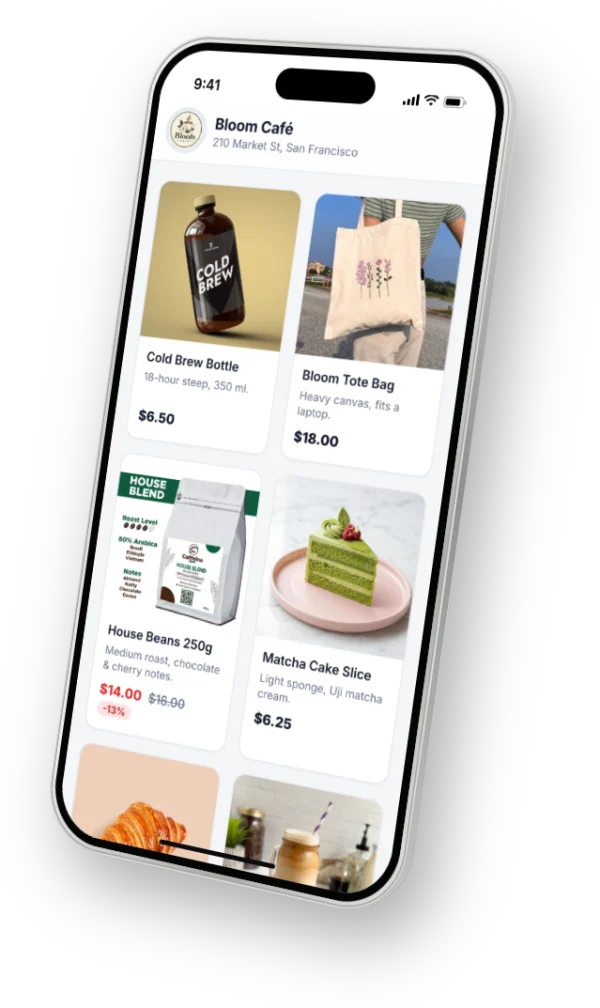
For many small businesses, Instagram is the shop window. People discover you in their feed or Reels, then send a message: “How much is this?”, “Do you have it in size M?”, “Can you deliver?”. Most sales happen in those direct messages.
This guide walks through what works: a shop-ready profile, product posts that sell, fast replies, and an ordering process that doesn’t lose customers along the way.
1 Switch to a professional account
A professional (Business or Creator) account is free. It gives you insights about your posts and followers, contact buttons on your profile, and access to messaging tools that can answer customers automatically.
In the Instagram app: Profile → ☰ → Settings and privacy → Account type and tools → Switch to professional account. Your posts and followers stay the same.
2 Make your profile shop-ready
- Name and bio say what you sell and where: “Handmade jewellery · Manila · ships nationwide”.
- Put one link in your bio that leads to your products or shop page.
- Use Story Highlights for “How to order”, “Prices”, “Reviews” and “Delivery”.
- Add your opening hours and contact details so people don’t need to ask.
3 Post products in a way that sells
- Bright, clear photos — the product in use, close-ups, and every colour you offer.
- Put the price and sizes in the caption. “DM for price” makes many people scroll away.
- End every post with a clear next step: “Message us ‘ORDER’ to buy”.
- Use Reels to show the product moving, being made or being used.
4 Answer DMs fast — even at night
A customer who asks a question is ready to buy right now. If the answer comes hours later, many have already bought somewhere else. The same questions come again and again — price, sizes, stock, delivery, hours — so they are perfect to answer automatically.
Keep personal replies for what needs a human: special requests, complaints, custom orders.
5 Make ordering simple
Long back-and-forth messages lose sales. A good order flow takes a customer through the same short steps every time:
- Choose the item, colour and size.
- Choose delivery (with an address) or in-store pickup (with a day and time).
- Enter name and phone number.
- Choose how to pay — for example cash on delivery or when collecting.
- Get a confirmation with an order number.
6 Keep track and keep customers informed
Orders scattered across chats and notebooks get missed. Keep every order in one list with its status — new, paid, preparing, shipped or ready for pickup — and tell the customer when it changes. A short “Your order has shipped” message prevents most “where is my order?” questions.
7 Bring customers back
- A small welcome coupon for first orders, and a thank-you offer for the next one.
- Stories for new arrivals, restocks and limited-time sales.
- Ask happy customers for a photo or a review you can share.
How PiggoChat helps
PiggoChat connects to your Instagram professional account and answers every DM straight away with a menu. Customers browse your products, choose sizes and colours, pick delivery or in-store pickup and place the order — in the chat or on your own web shop.
Every order lands in one dashboard with an order number. When you mark it paid, preparing or shipped, the customer gets a message automatically. Coupons, sale prices and delivery fees by area are included on Premium.