
If your business runs on Instagram, your inbox is your front desk. The faster you answer, the more people buy — but nobody can sit in the inbox all day, especially at night and on weekends.
An auto-reply answers the common questions instantly, so customers aren’t left waiting and you only step in when it matters.
What to automate first
- A greeting with a menu of what customers can do: see products, book, check prices, ask a question.
- Prices, sizes and stock for your products.
- Opening hours, address and how to find you.
- Delivery areas, fees and pickup options.
- How to order and how to pay.
Instagram’s own tools
Professional accounts can save quick replies for common answers and set up frequently asked questions that people can tap when they start a chat. They are a good start: free, built in, and easy to set up from the app’s business or creator tools.
Their limit is that they only send text you wrote in advance. They can’t check stock, show a catalogue, take an order with an address, offer free booking times or tell a customer their order has shipped.
When you need a chatbot
A chatbot connects to your account through Meta’s official messaging connection. Instead of a fixed answer, it runs a conversation: the customer taps “Products”, picks an item and a size, chooses delivery or pickup and confirms — and the order arrives in your dashboard.
Look for one that lets you reply personally in the same inbox, so the conversation never feels like a dead end.
The 24-hour rule
Instagram lets businesses message a customer within 24 hours of the customer’s last message. Inside that window, a chatbot or a person can reply freely. After it, you have to wait for the customer to write again. That’s why fast replies — and sending order updates while the conversation is fresh — matter so much.
Tips for a friendly auto-reply
- Greet with your store’s name and a short welcome in your own voice.
- Offer buttons rather than asking people to type.
- Keep messages short — one idea per message.
- Always offer a way to reach a person.
How PiggoChat helps
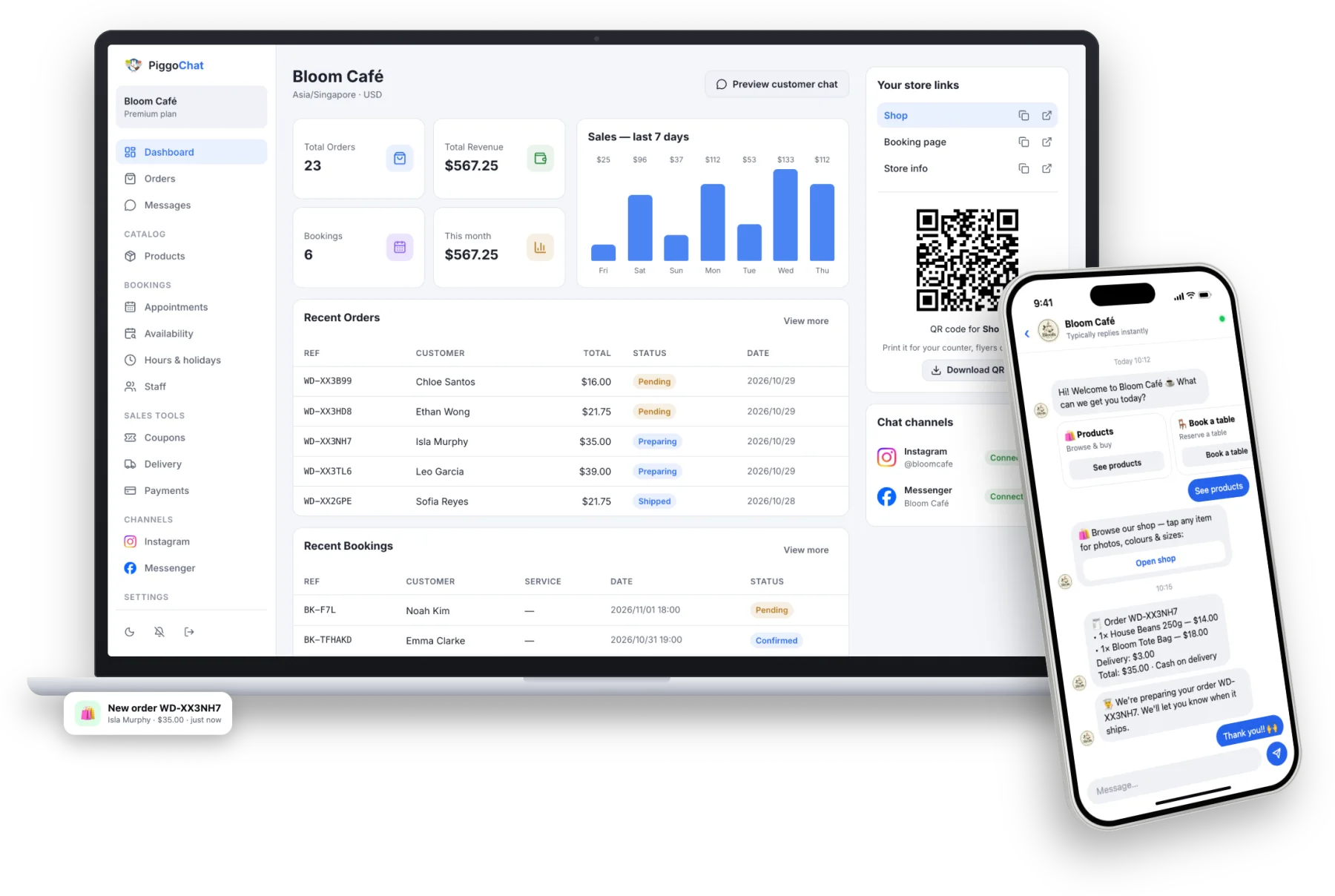
PiggoChat replies to every Instagram and Messenger DM instantly, day and night, with a menu built from what your store offers: products, menu, bookings, offers and store info. Customers can order or book right in the chat.
You read every conversation in one inbox and reply personally whenever you want. It works in English and Japanese, and connects with one click — no developer account.